
Property-Based Segmentation
Property-based Segmentation groups the Items by the value of a particular property.
NULL values are ignored.
Examples
Consider the following data about the Items:
Example 1
Segmentation based on the country
property (of type string) will create the following three Segments:
For example, the value of the country
property for the it_crowd is GB, and
therefore the it_crowd belongs to the
GB Segment.
Example 2
Segmentation based on the genres property
(of type set) will create the following three Segments:
Note that an Item can belong to multiple Segments: In that case, the_silence_of_the_lambs belongs to both
Horror and Thriller Segments.
Creating in the Admin UI
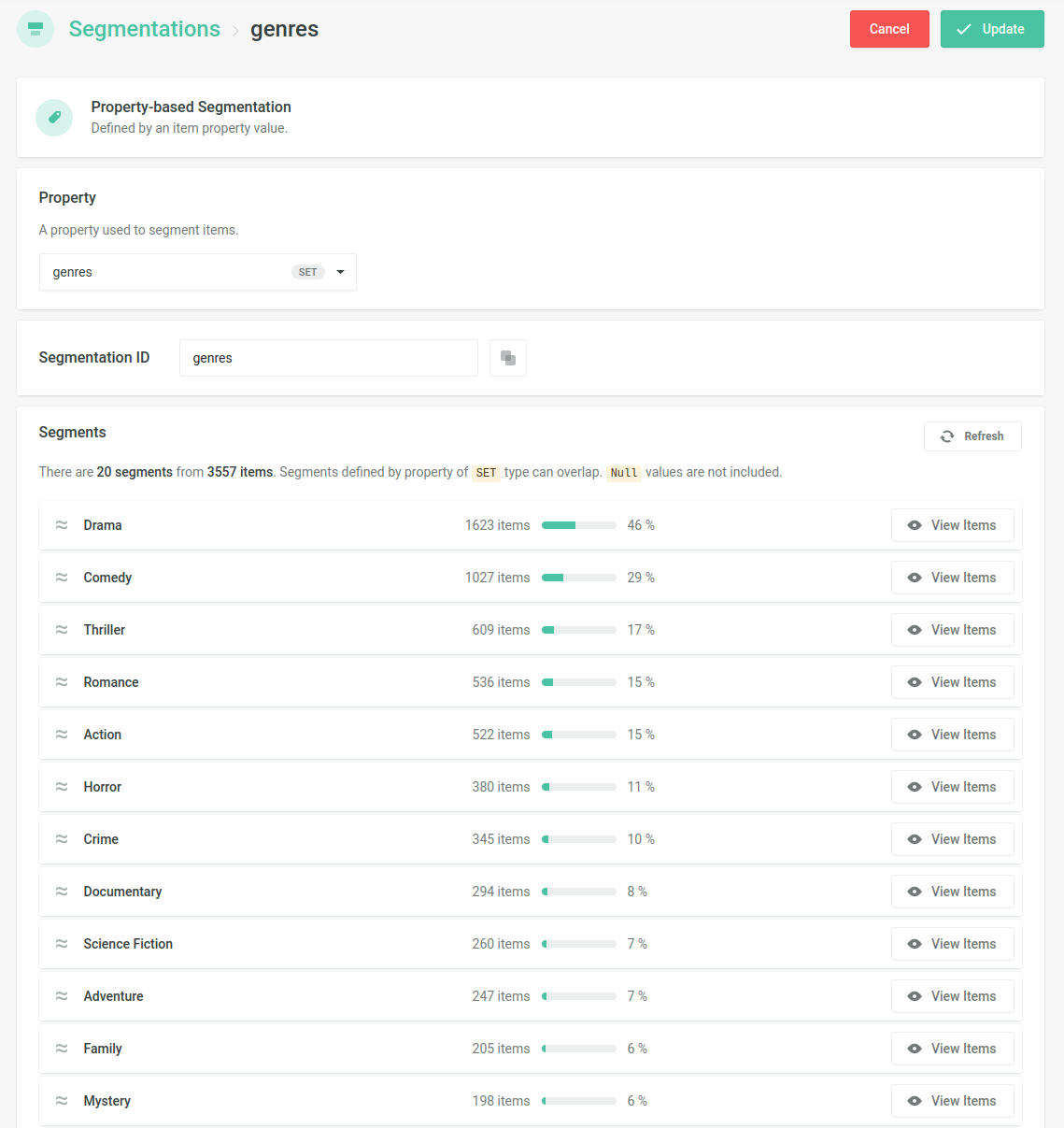
You can create the Property-based Segmentation in the Admin UI by picking the name of the property
- Navigate to the Segmentations section
- Create a new Segmentation of the Property-based type and select by which Item property the Items shall be segmented.
- Check the preview of the resulting Segments and confirm the setup
Creating via the API
- Call the Create Property Based Segmentation endpoint.