
Recommending Segments
Requesting Recommendations
The Segments can be recommended or searched using the following endpoints:
- Recommend Item Segments To User
- Recommend Item Segments To Item
- Recommend Item Segments To Item Segment
- Search Item Segments
Before you can use any of that endpoints, you need to create an Item Segmentation and then set up a Scenario in the Admin UI which will use that Segmentation.
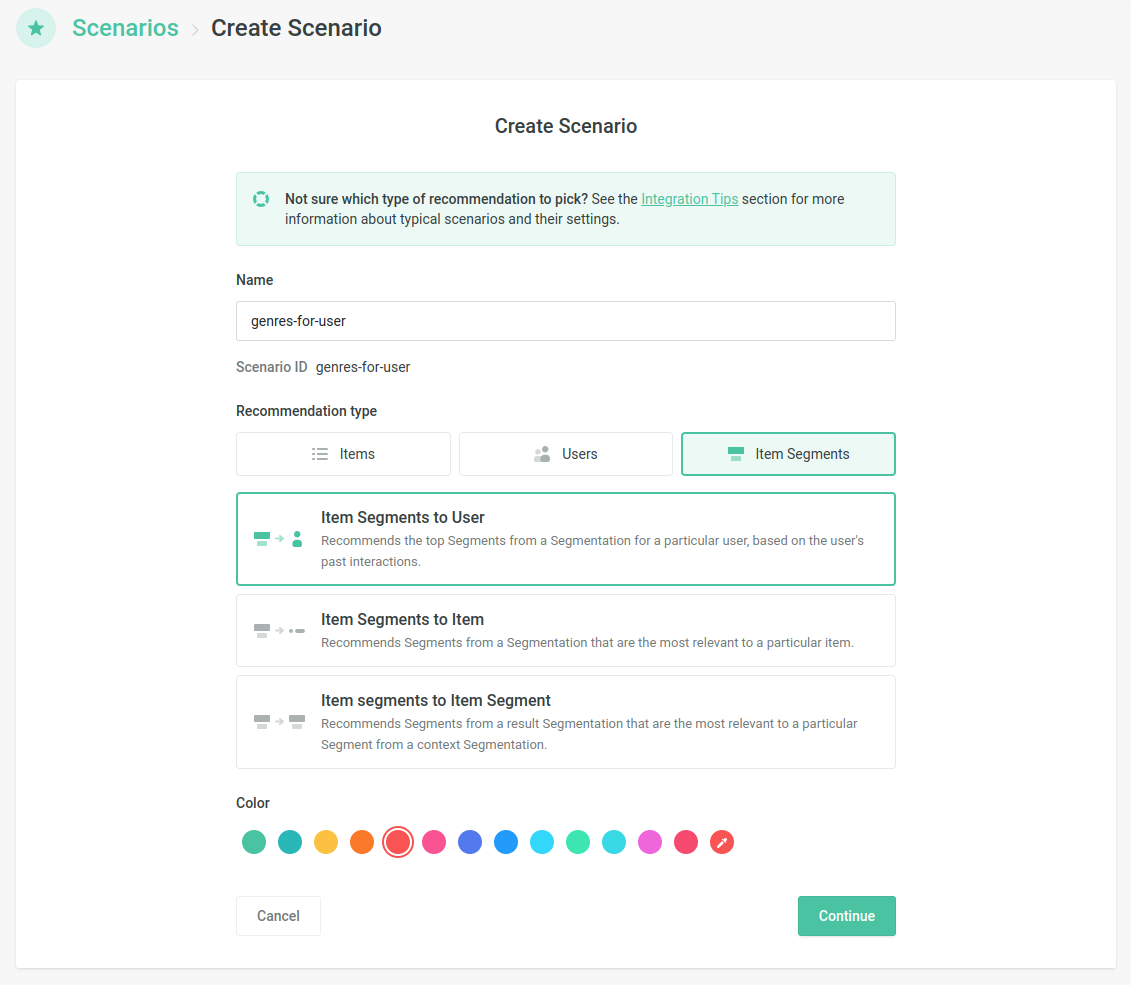
Create a Scenario which returns Segments
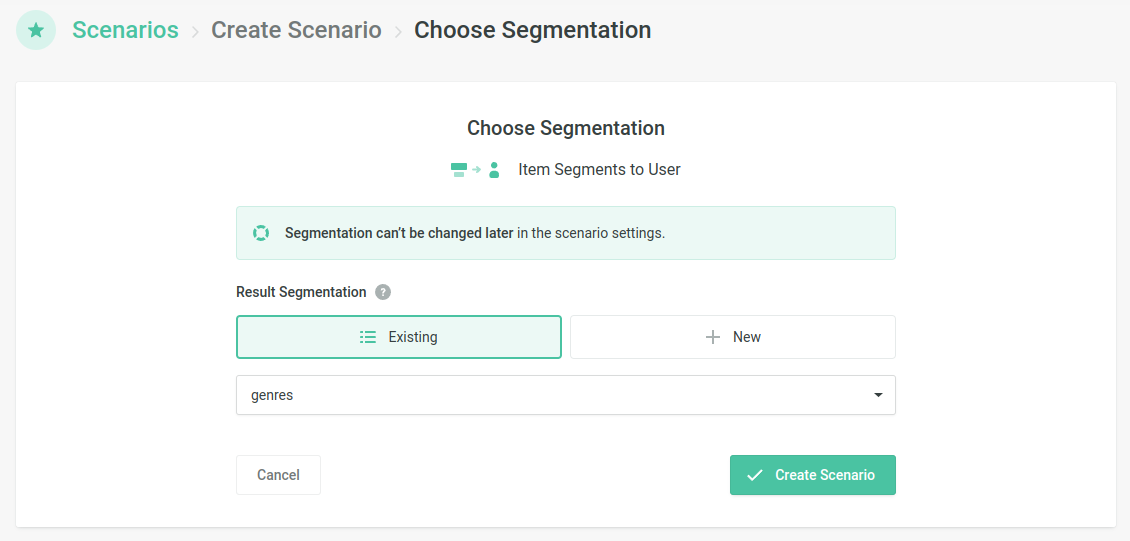
Choose the Segmentation which shall be used in the Scenario
The ID of that Scenario needs to be provided in the scenario parameter
of the recommendation request:
These are some examples of how recommending Segments can be used on your website or in your app:
- Recommending the top genres/categories for a user, and re-ordering homepage rows accordingly
- Recommending the top brands for a user
- Recommending the top artists or actors for a user
Filtering and Boosting
Recommended Segments can be filtered or boosted using ReQL. You
can access the ID of a Segment in ReQL using 'segmentId'.
Examples of filters:
-
Do not recommend the coupons category to the users
-
Do not recommend horror movies to kids
Example of a booster:
-
Boosting the Editors Pick section