
Composite Recommendations
Composite Recommendations return both a source entity (e.g., an Item or Item Segment) and a related list of recommendations in a single response.
They are requested via the Composite Recommendation API endpoint.
Examples
Because You Watched <movie>
- Source: The movie (Item) watched by the user
- Result: Movies related to the watched one
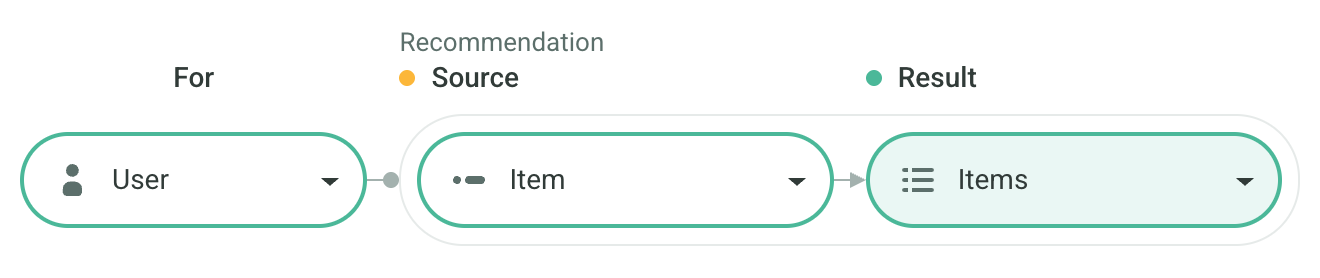
Check out the Because You Watched Scenario Recipe for more info
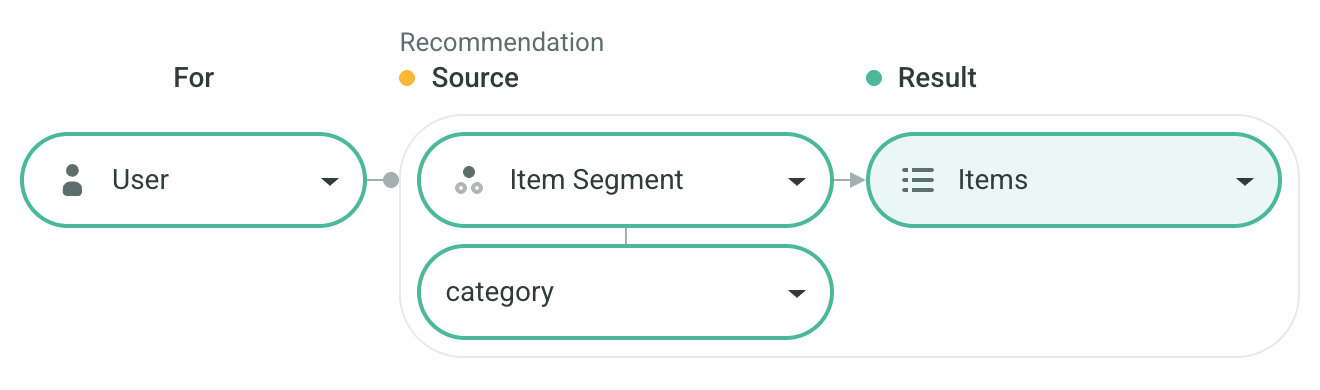
Articles from <category>
- Source: The user’s favorite category (Item Segment)
- Result: Recommended articles from that category
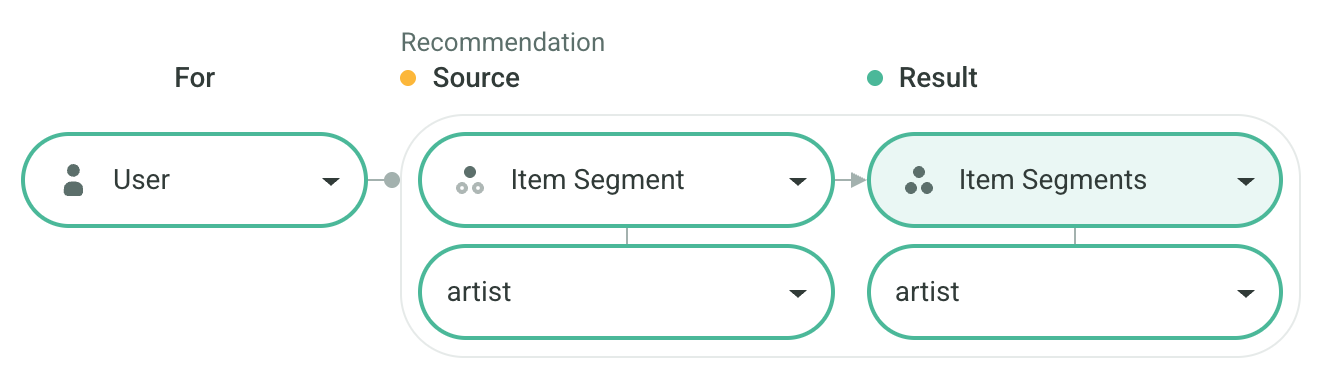
Artists Related to <artist>
- Source: The user’s favorite artist (Item Segment)
- Result: Recommended artists related to the favorite artist
Fully Personalized Homepage
Often, multiple Composite Recommendations are requested in a Batch to fully personalize the homepage or other sections of a website or app.
For example, to display five rows on the homepage — each representing one of the user’s top five categories and showing the most relevant content within that category — you can send five Composite Recommendation requests in a single Batch, set as:
- Source: category (Item Segment)
- Result: content (Items)
This approach enables the homepage to consist of dynamically personalized sections.
The API automatically ensures that five distinct categories are returned in the response, avoiding duplicates.
See the API code example for implementation details.
Structure
Composite Recommendations can be viewed as two sequential requests:
- Recommend the Source.
- Recommend the Result for that Source.
For instance, Articles from <category> involves:
- Recommend Item Segments To User to find the category.
- Recommend Items To Item Segment to get articles from that category.
Each Composite Recommendation counts as one API request for billing.
Setup Mode
When creating a Composite Recommendation scenario, you can choose a Template or a Custom configuration.
Templates
Predefined templates are available for common cases such as Because You Purchased or Videos From Top Genre For You. Templates define both the endpoints used for each stage and the Logic.
Custom
Custom configuration allows you to manually define the endpoints for each stage and assign different Logics as needed.
Configuration
In the Admin UI, you can set distinct Filters and Boosters for each stage (Source and Result).
You can also specify these settings using the sourceSettings and resultSettings API parameters.